<aside> 👋
Welcome to MemoMate!
This guide will walk you through signing in. It only takes a minute!
</aside>
Open your web browser (like Chrome, Safari, or Edge) and type this in the address bar:
<aside> 🌐
</aside>
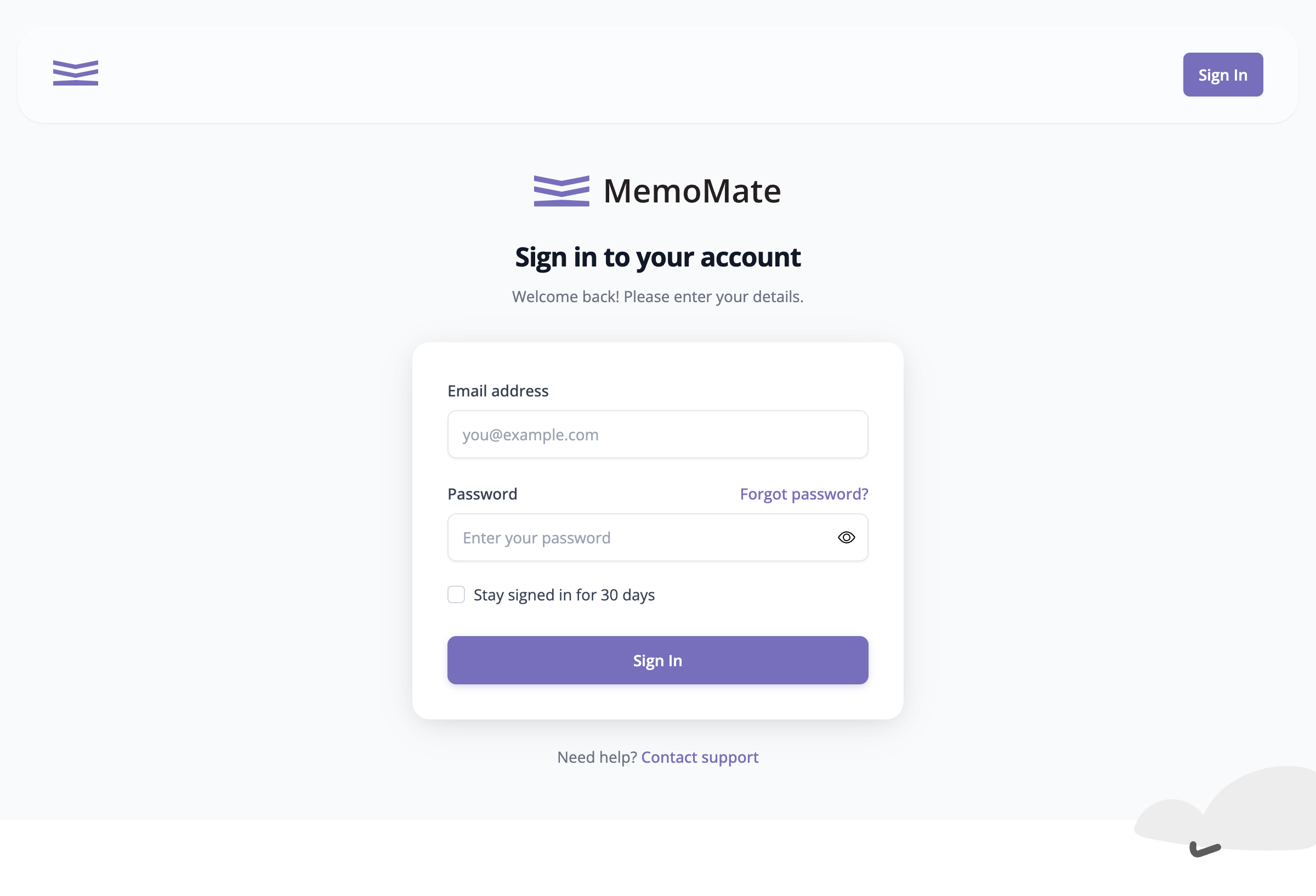
You'll see the sign in screen:
The MemoMate Sign In Screen
<aside> 💡
Want to stay signed in?
Check the box that says "Stay signed in for 30 days" - then you won't need to sign in every time you visit!
</aside>