<aside> 👋
Welcome!
This guide will help you understand how to view and manage individual client results. You'll learn how to navigate through their responses, manage tasks and bookings, listen to recordings, and more!
</aside>
To view a client's individual results:
You can also click on a client's name from the Latest Responses section on the dashboard.
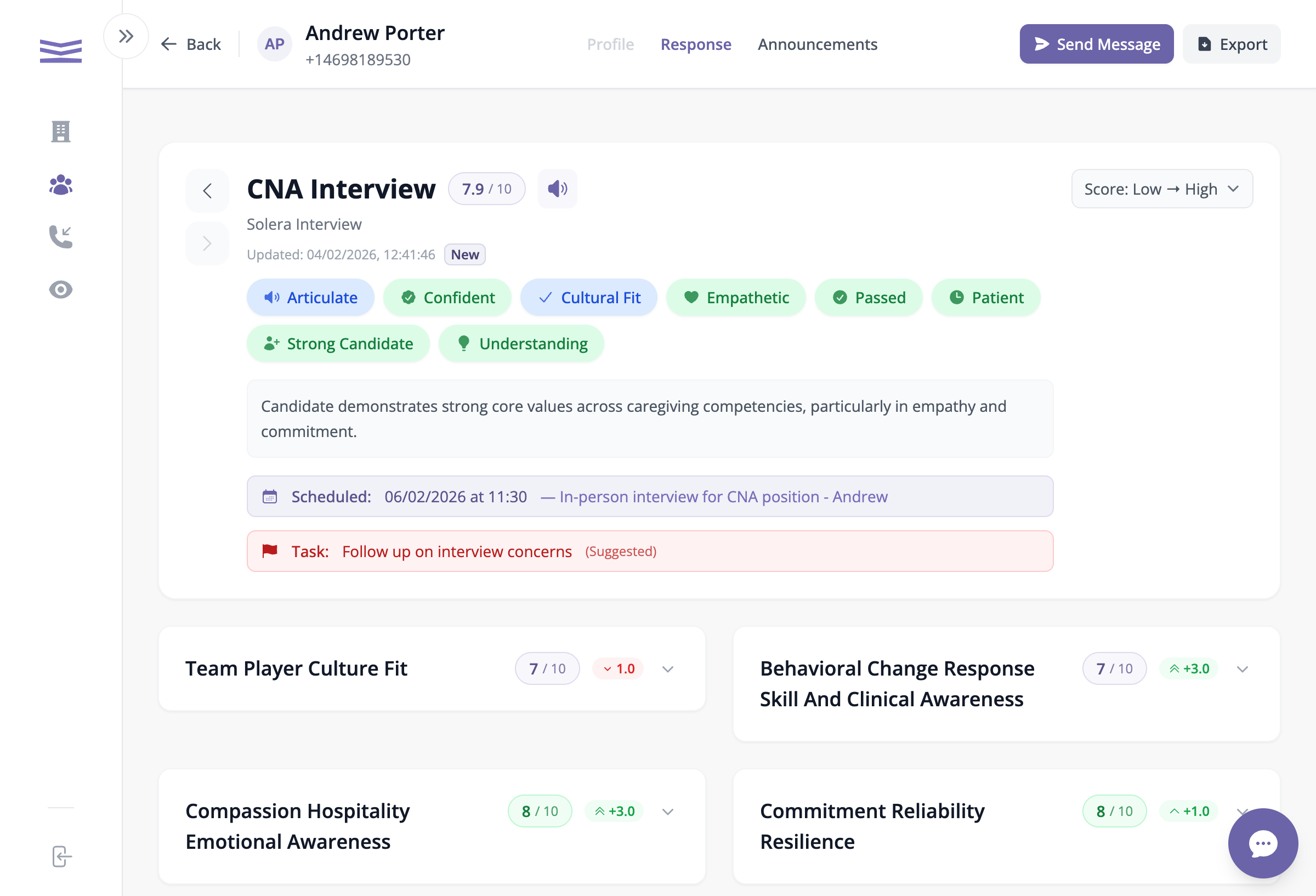
When you open a client's page, you'll see their most recent conversation and scores.
The Response tab showing survey results, scores, and action items