<aside> 👋
Welcome!
Forgot your password? Don't worry - it happens to everyone! This guide will help you create a new password in just a few minutes.
</aside>
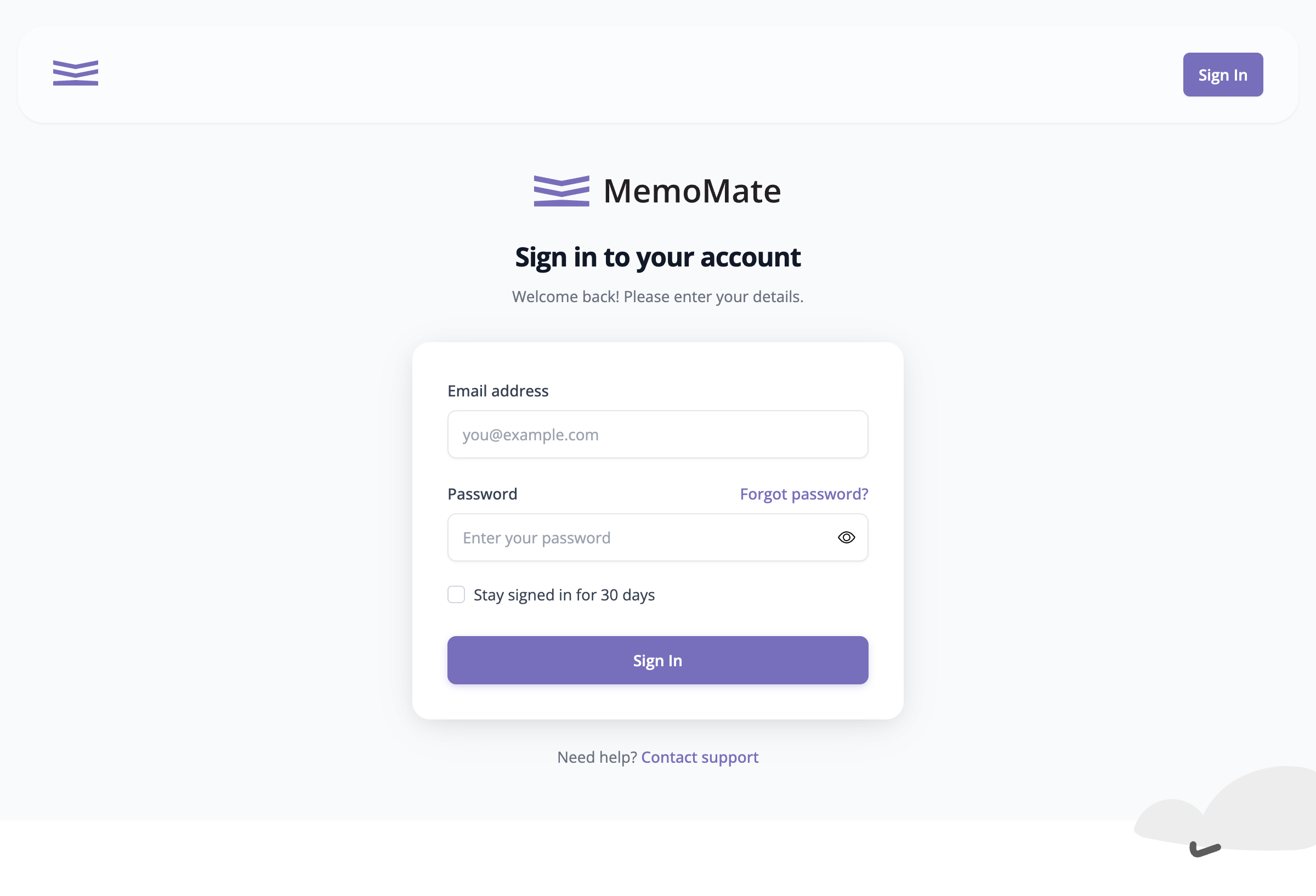
The sign-in page with the Forgot password? link
<aside> 💡
Tip: The link is in purple text, right above where you normally type your password.
</aside>
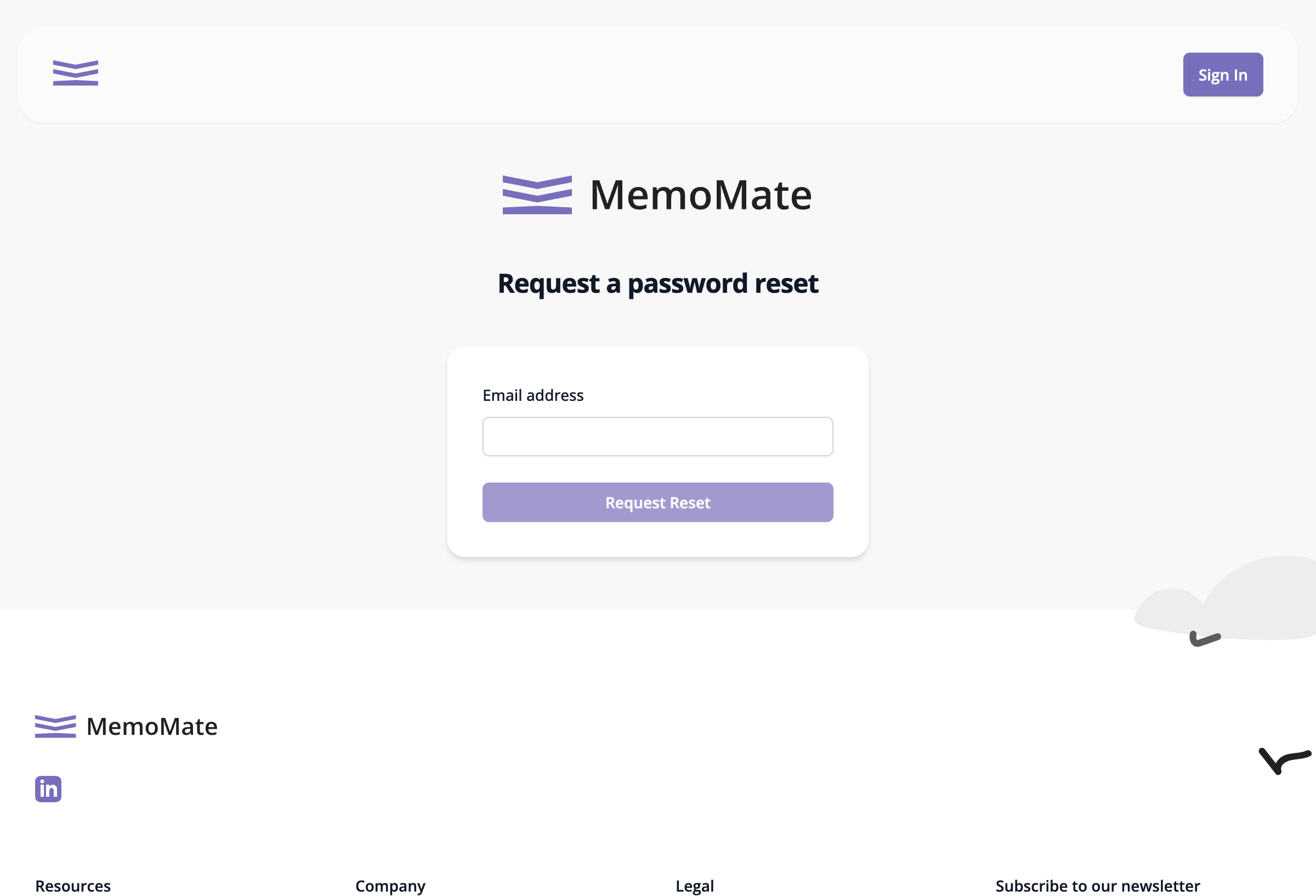
The password reset request form
<aside> 📧
Check your email! We'll send you a special link to reset your password. It might take a minute or two to arrive.
</aside>
<aside> 💡
Can't find the email? Check your spam or junk folder. Sometimes our emails end up there by mistake!
</aside>