<aside> 👋
Welcome!
This guide will help you add and manage administrators for your organization. You can add full administrators or read-only administrators with limited access.
</aside>
Click on the Settings icon in the menu on the left side of the screen.
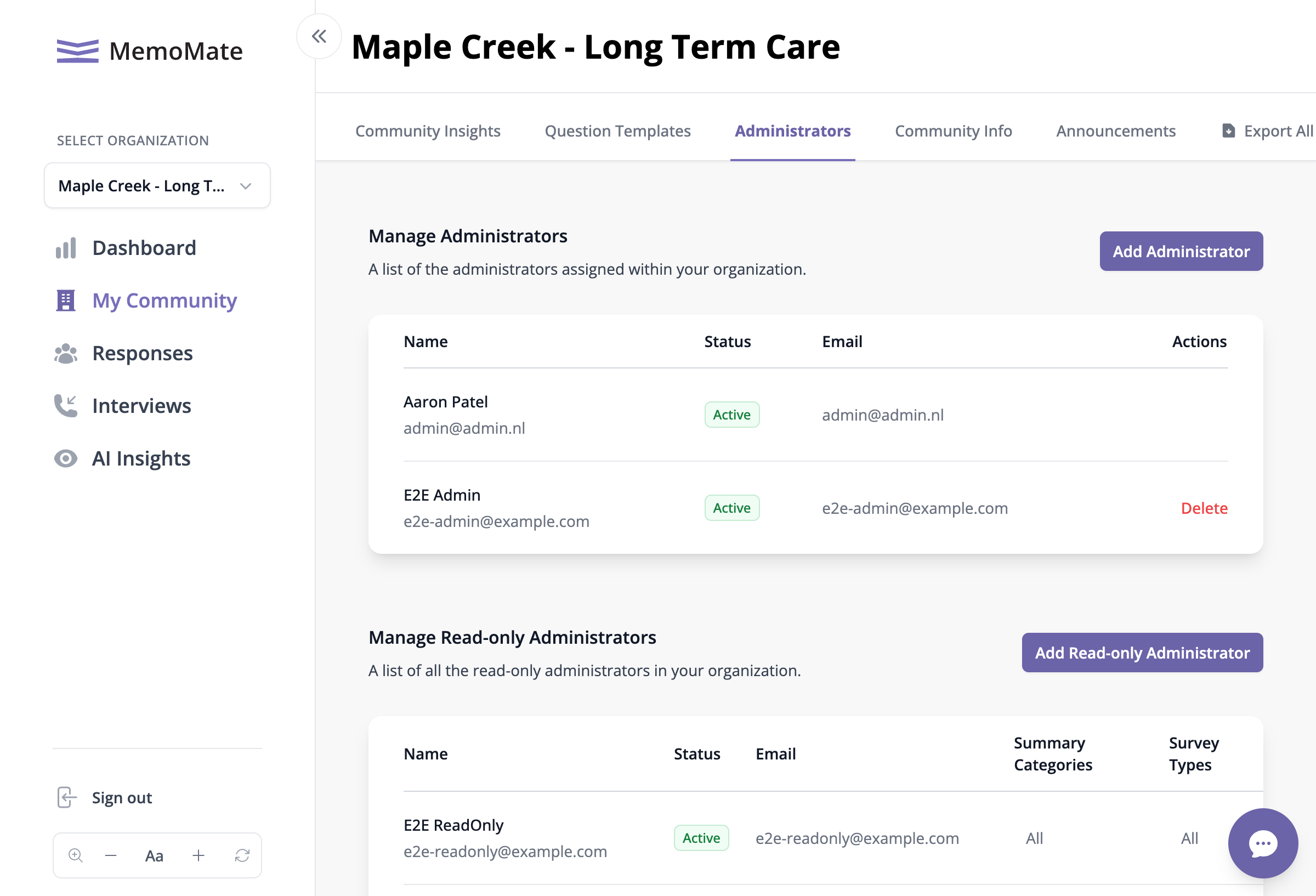
At the top of the page, you'll see several tabs.
Click on Administrators.
The Administrators page shows all your team members
You'll see two sections: