<aside> 👋
Welcome!
This guide will help you customize your calls with your own questions. You can create surveys for any topic you like!
</aside>
Click on the Settings icon in the menu on the left side of the screen.
It looks like a small building.
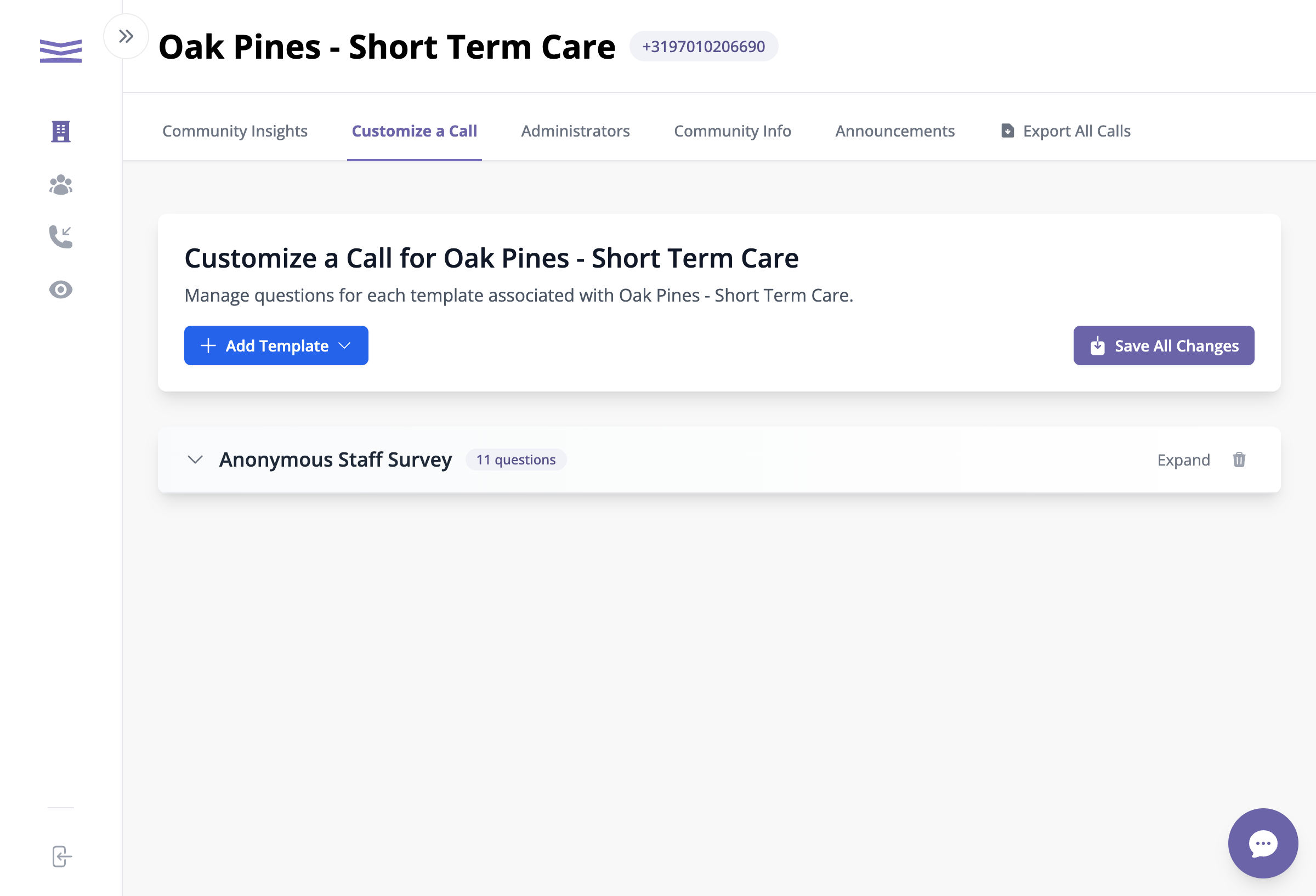
At the top of the page, you'll see several tabs.
Click on Customize a Call.
The header will say "Customize a Call for [Your Organization Name]".
The Customize a Call page