<aside> ⏰
Welcome! This guide shows you how to set up when interviews can be scheduled, including recurring weekly availability, topic-specific time slots, and days off for holidays.
</aside>
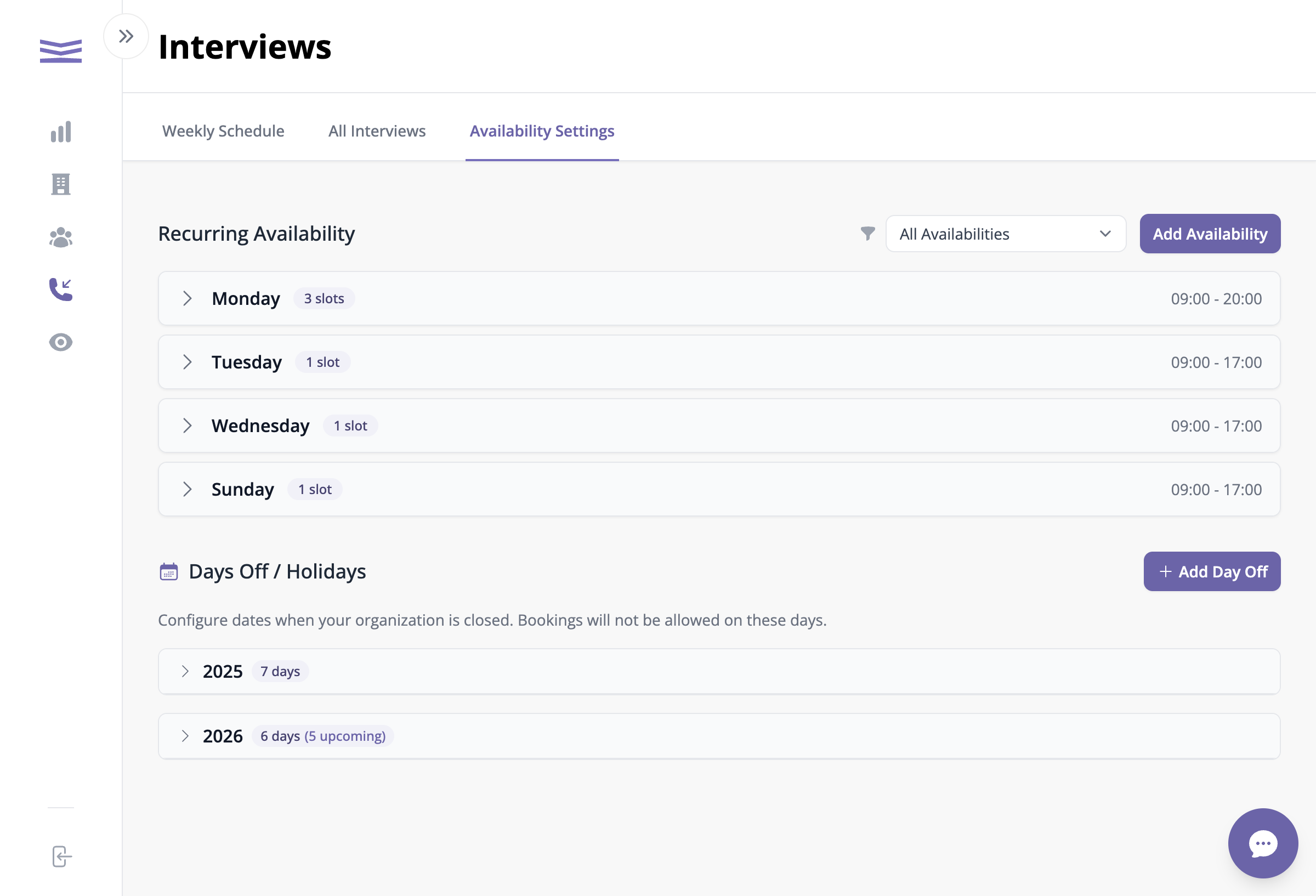
From the Interviews page, click the Availability Settings tab.
Availability Settings tab
This page shows all your recurring availability windows grouped by day of the week.
Your availability is organized by day (Monday, Tuesday, etc.). Click on any day to expand it and see the individual time slots.
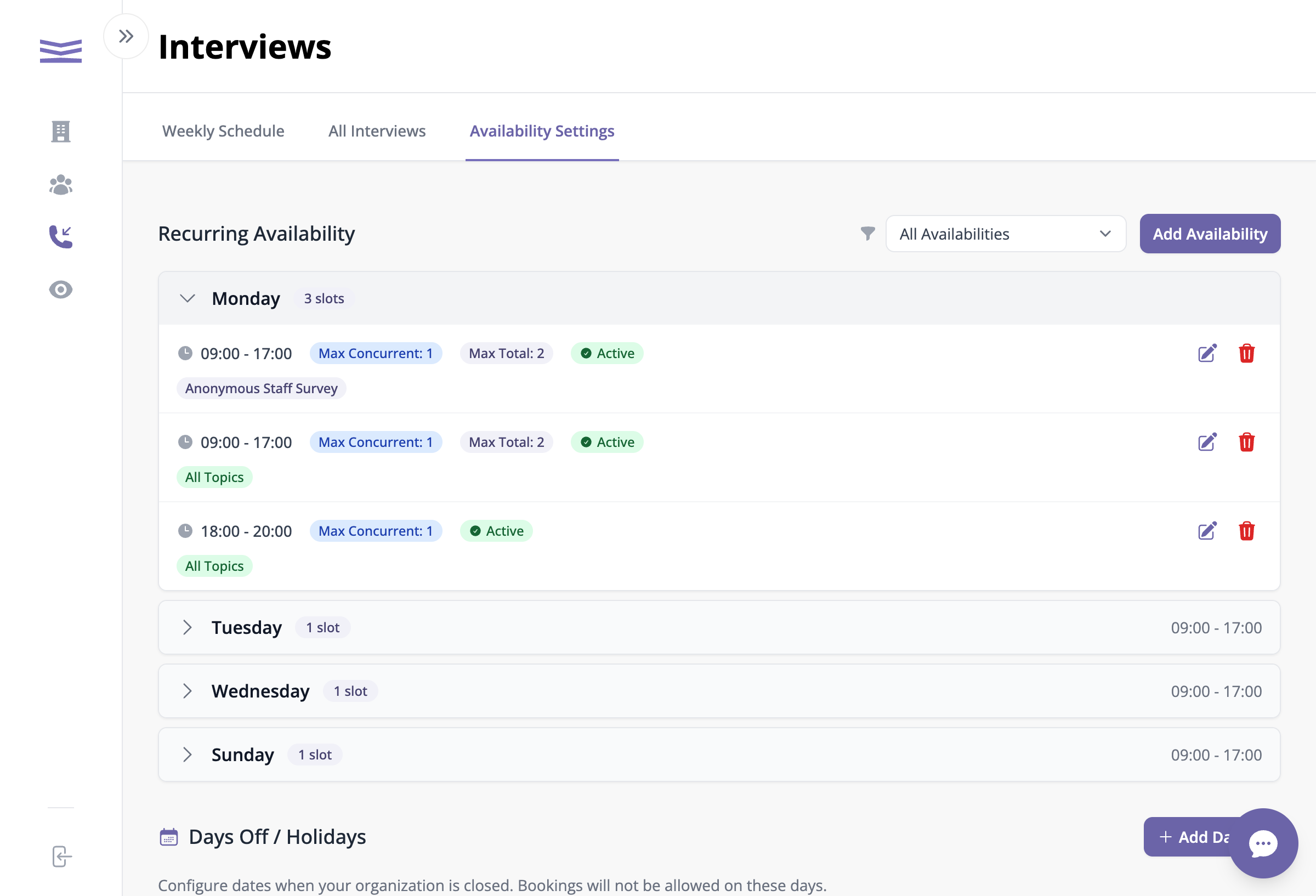
Expanded Monday showing availability slots with topics
Each time slot shows:
Topic badges: