<aside> 👋

Welcome!

This guide will help you switch between different communities if you manage more than one. It only takes a few seconds!

</aside>


When Would I Need This?

If you're an administrator for multiple communities (like different care facilities or locations), you can easily switch between them without signing out. This lets you:

<aside> â„šī¸

Note: If you only manage one community, you won't see the organization dropdown. This feature only appears when you have access to multiple communities.

</aside>


Step 1: Open the Menu

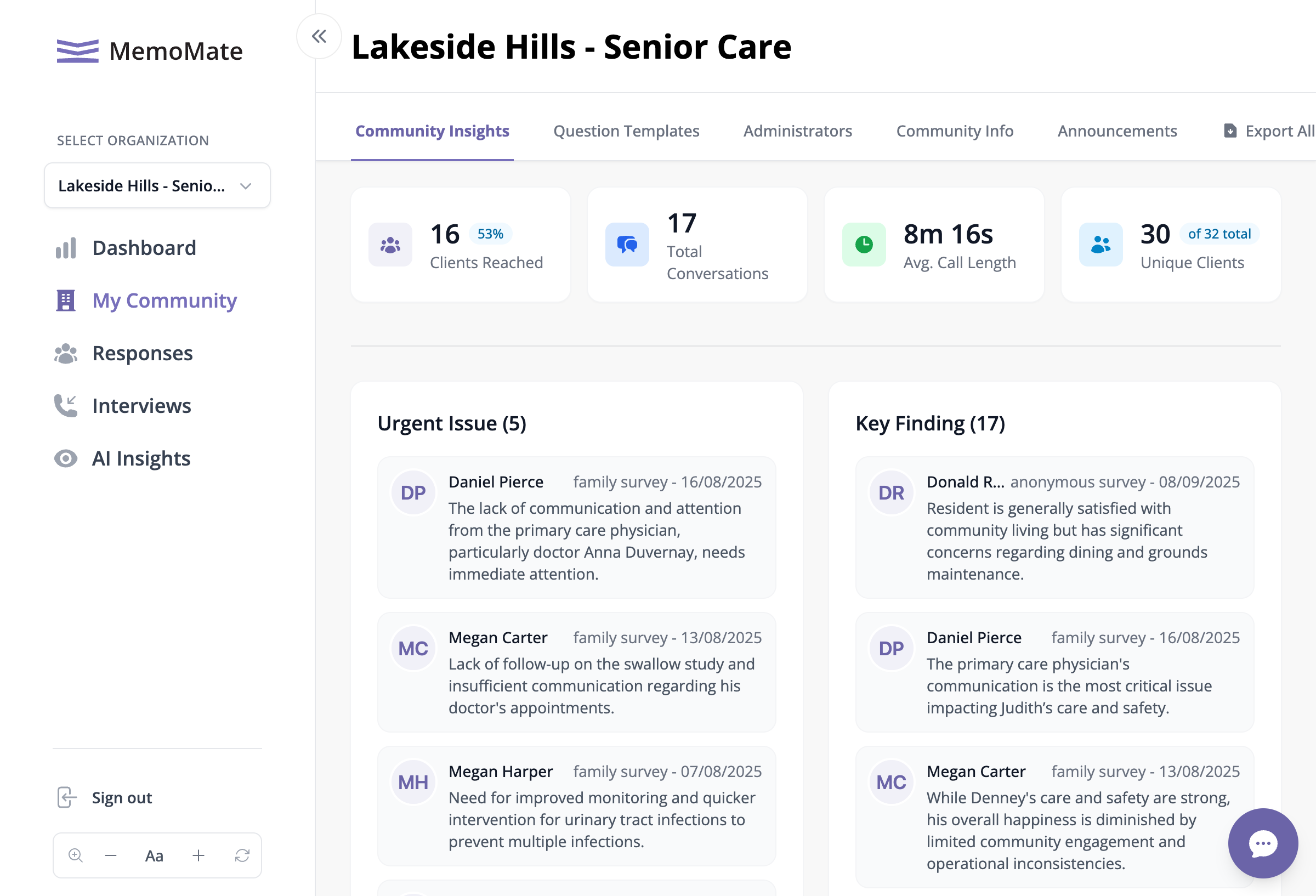
The My Community page showing the organization name prominently in the header
The My Community page showing the organization name prominently in the header

  1. Look at the left side of your screen for the menu
  2. If the menu is small (showing only icons), click the arrow button at the top to expand it
  3. You'll see SELECT ORGANIZATION near the top of the menu
  4. Below that is a dropdown showing your current community name

Step 2: Choose a Different Community

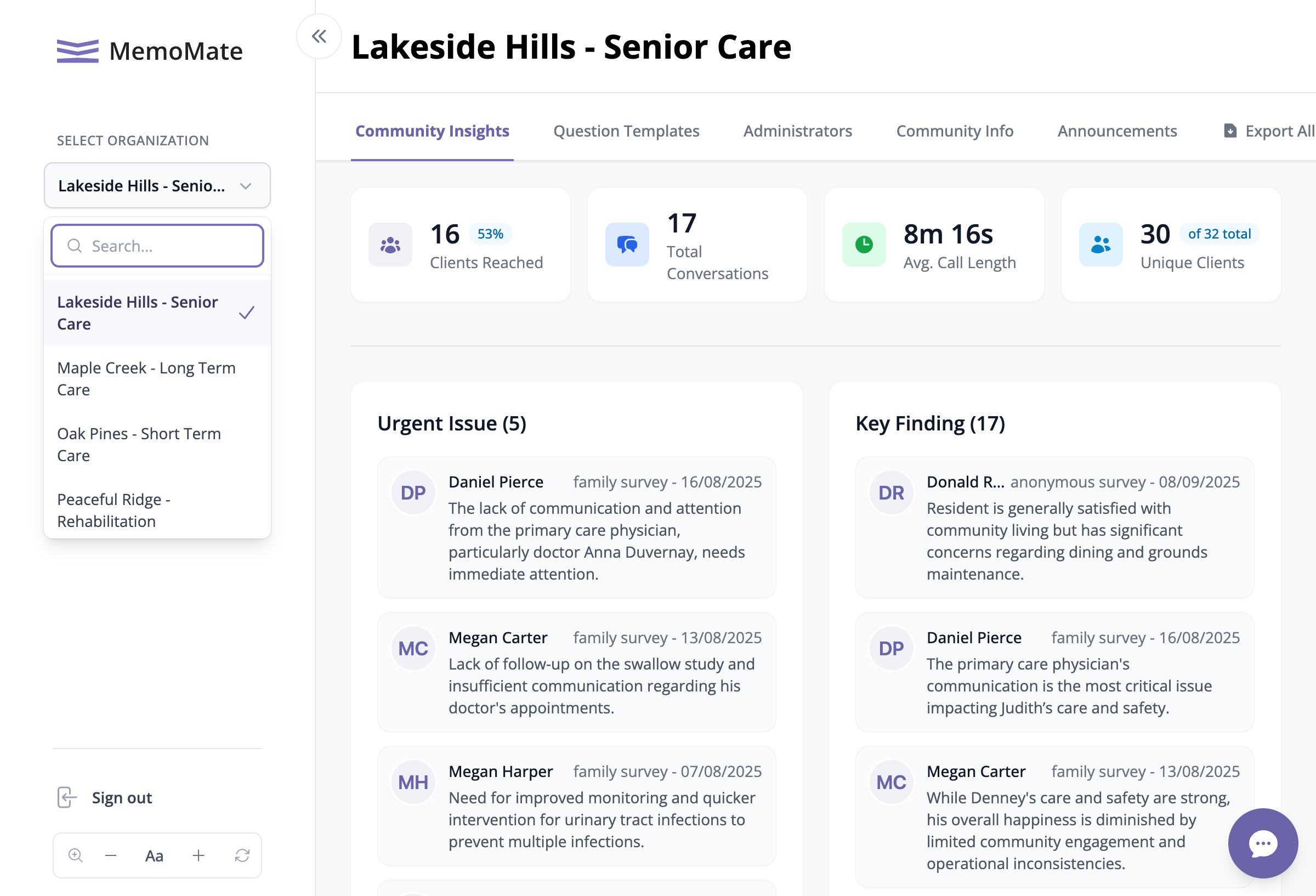
The dropdown menu showing all available communities

The dropdown menu showing all available communities

  1. Click on the dropdown (it shows your current community name)
  2. A list of all your communities will appear