<aside> 👋
Welcome!
This guide will help you call your clients using MemoMate. You can call one person at a time, or call many people at once!
</aside>
Go to the Clients page from the menu on the left side of the screen.
Find the person you want to call in the list.
Click the three dots button on the right side of their row.
Then click Initiate Call.
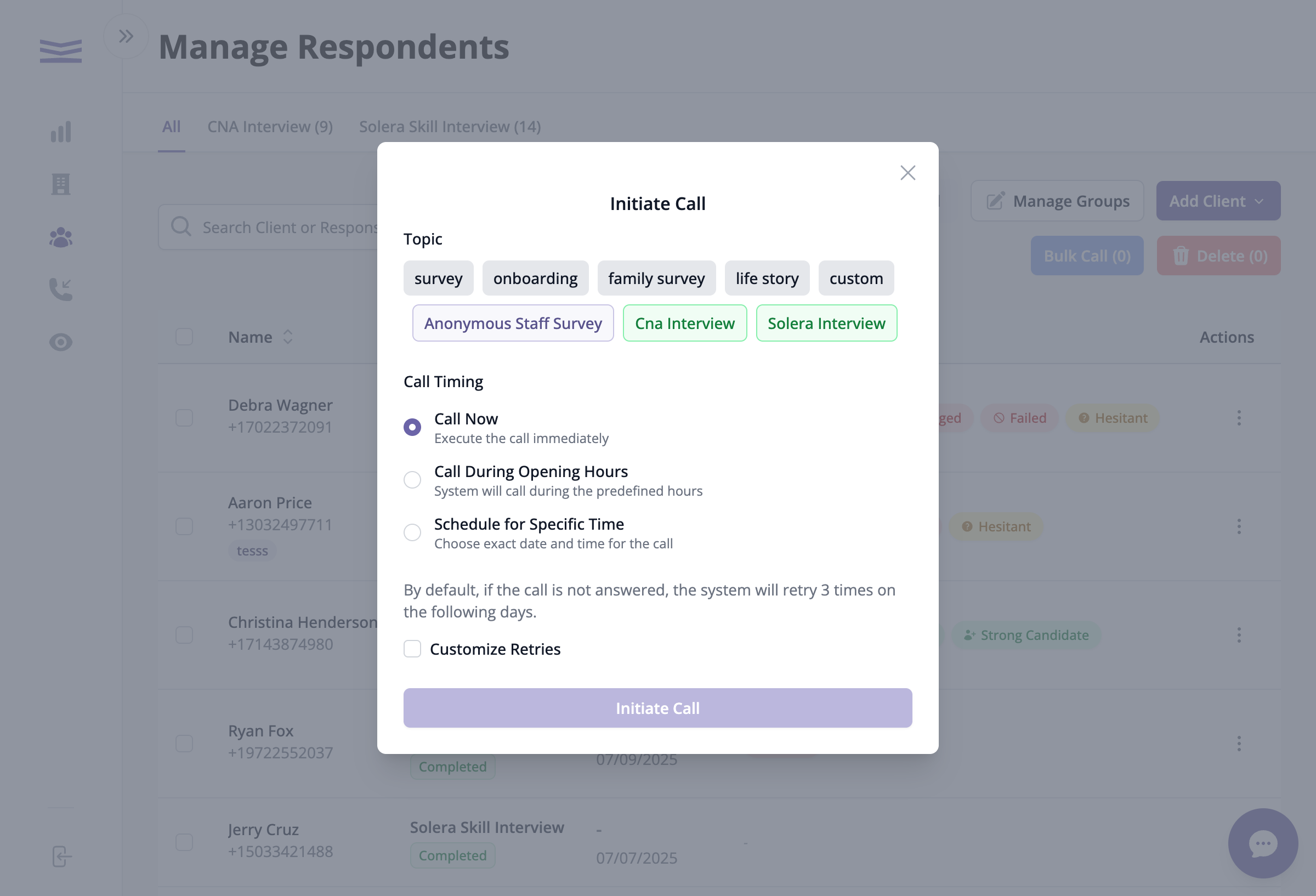
The call window will appear
Click on one of the topic buttons to select what the call is about.
For example: survey, onboarding, CNA Interview, etc.