<aside> 👋
Welcome!
This guide will help you block a topic so calls and texts for it get a friendly "we're closed" message instead of asking questions. It only takes a minute!
</aside>
Sometimes you don't want to collect answers for a topic right now. Maybe a job opening is already filled, or a survey is finished for the season.
When you block a topic:
You can leave the message blank and we'll play a nice default. Or you can write your own!
<aside> ℹ️
Good to know: When new people come in from a connected system (like a hiring tool), that topic turns back on by itself. You can always click Block to close it again.
</aside>
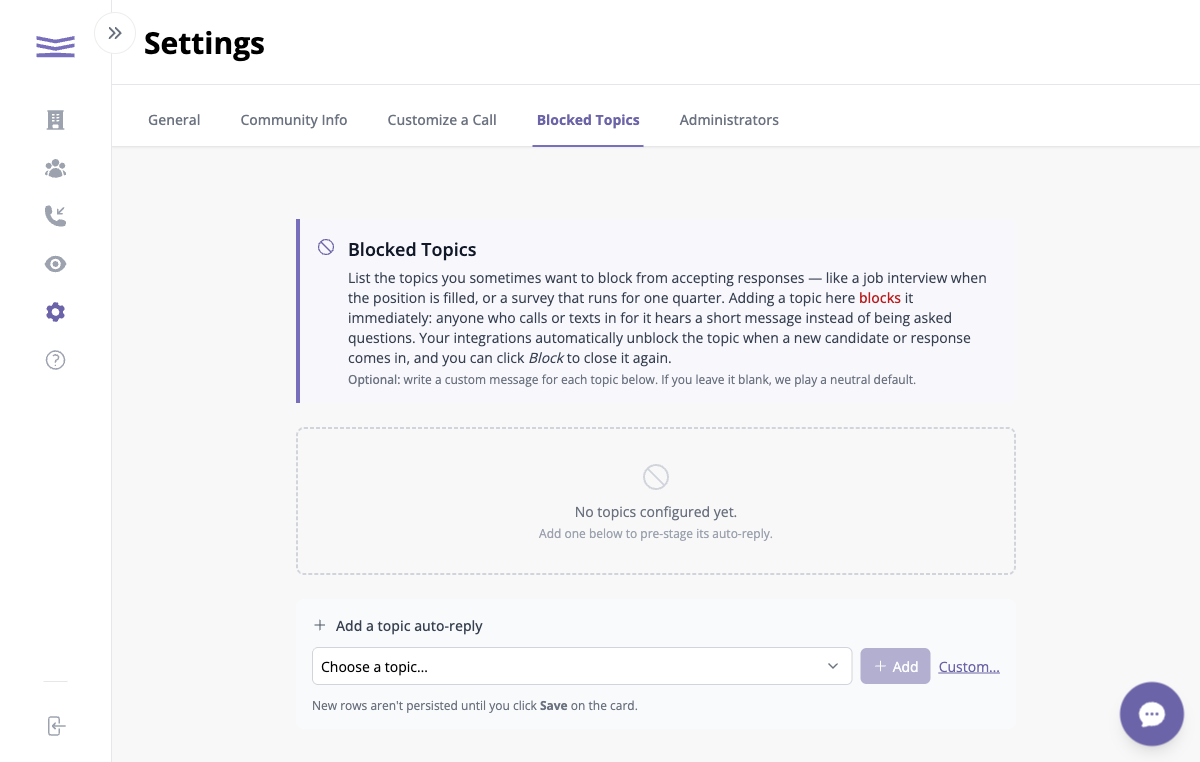
The Blocked Topics tab in Settings
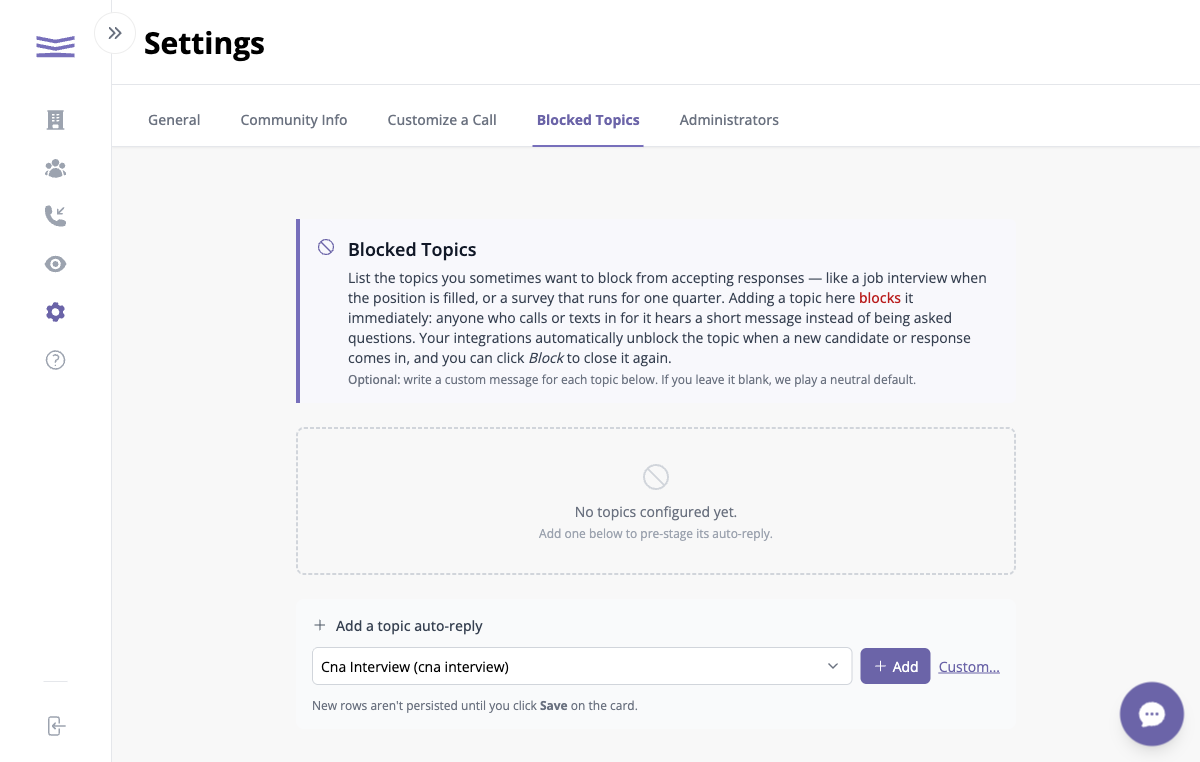
Choosing a topic from the dropdown