<aside> 👋
Welcome!
This guide will show you how to add new clients to MemoMate. You can add them one at a time, or upload many at once using a file. It's easy!
</aside>
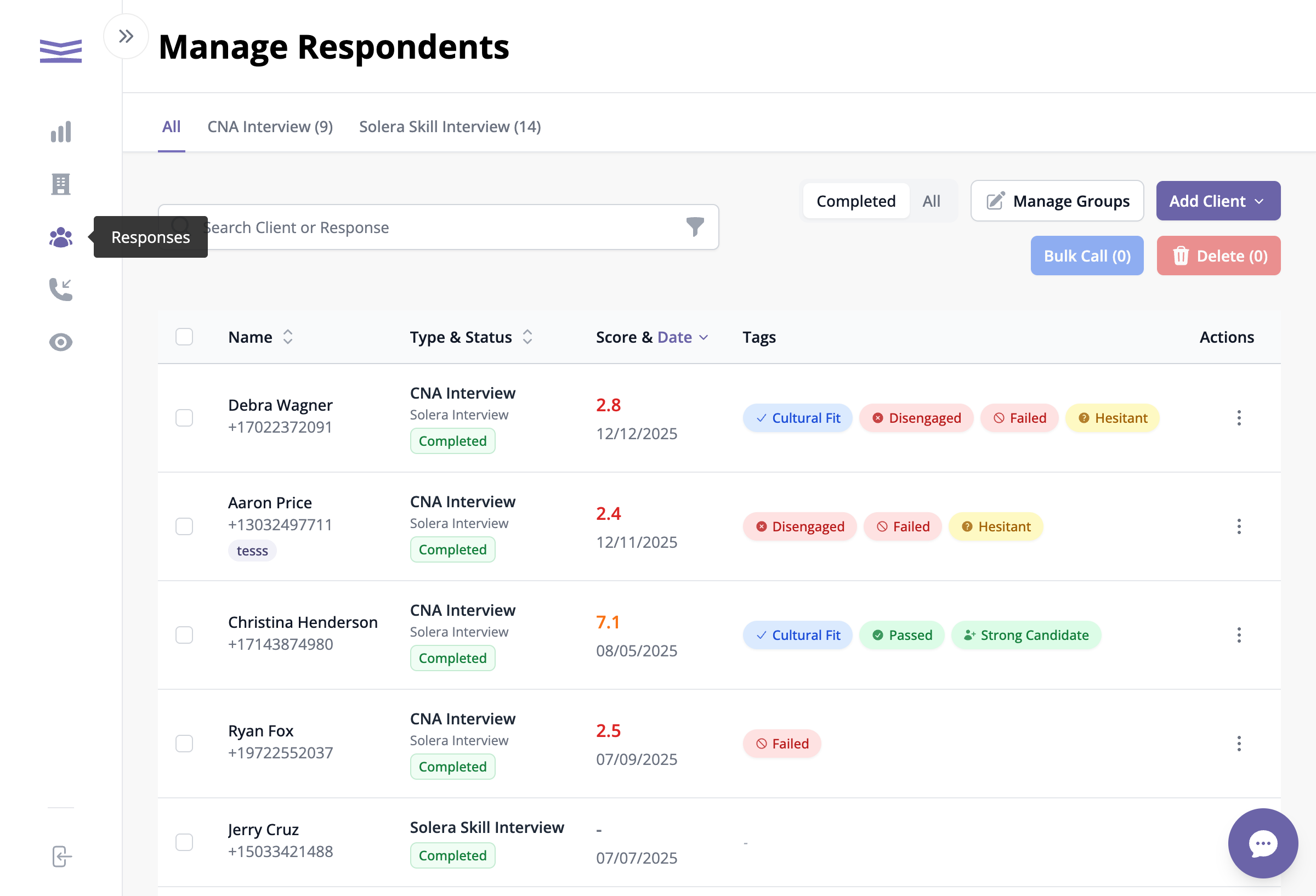
When you open MemoMate, you'll see your Clients page. This is where all your clients are listed.
Your clients page showing the list of respondents
You'll see each client's:
To add one client at a time:
Look for the purple Add Client button in the top right corner. Click it to see a menu.
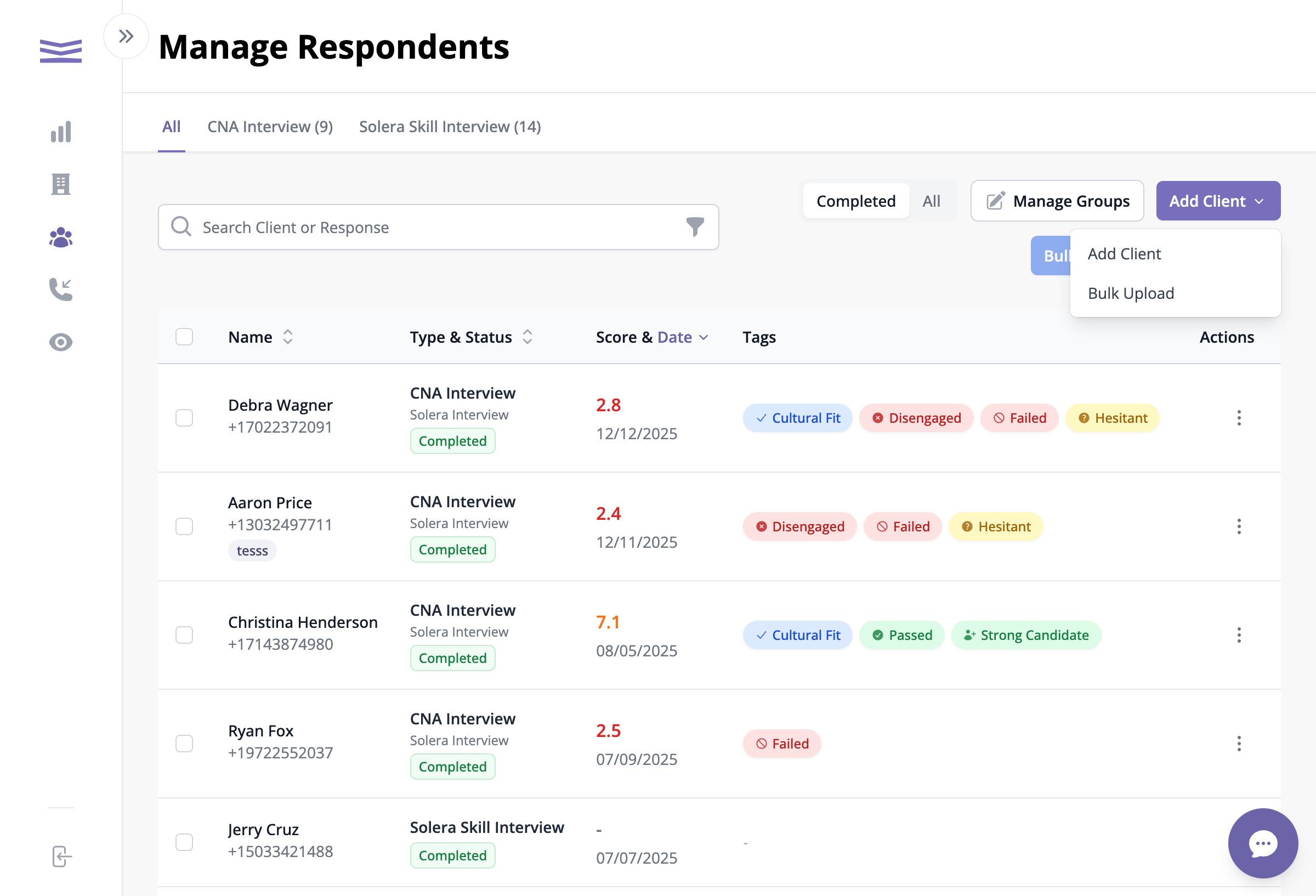
The Add Client dropdown menu