<aside> 👋
Welcome!
This guide explains how to add a read-only administrator and what all the settings mean. It only takes a few minutes!
</aside>
A read-only administrator is a team member who can look at reports and information, but cannot change anything.
This is perfect for:
<aside> 💡
Good to know: Read-only administrators will receive their own login. They can see reports but cannot make calls, add clients, or change settings.
</aside>
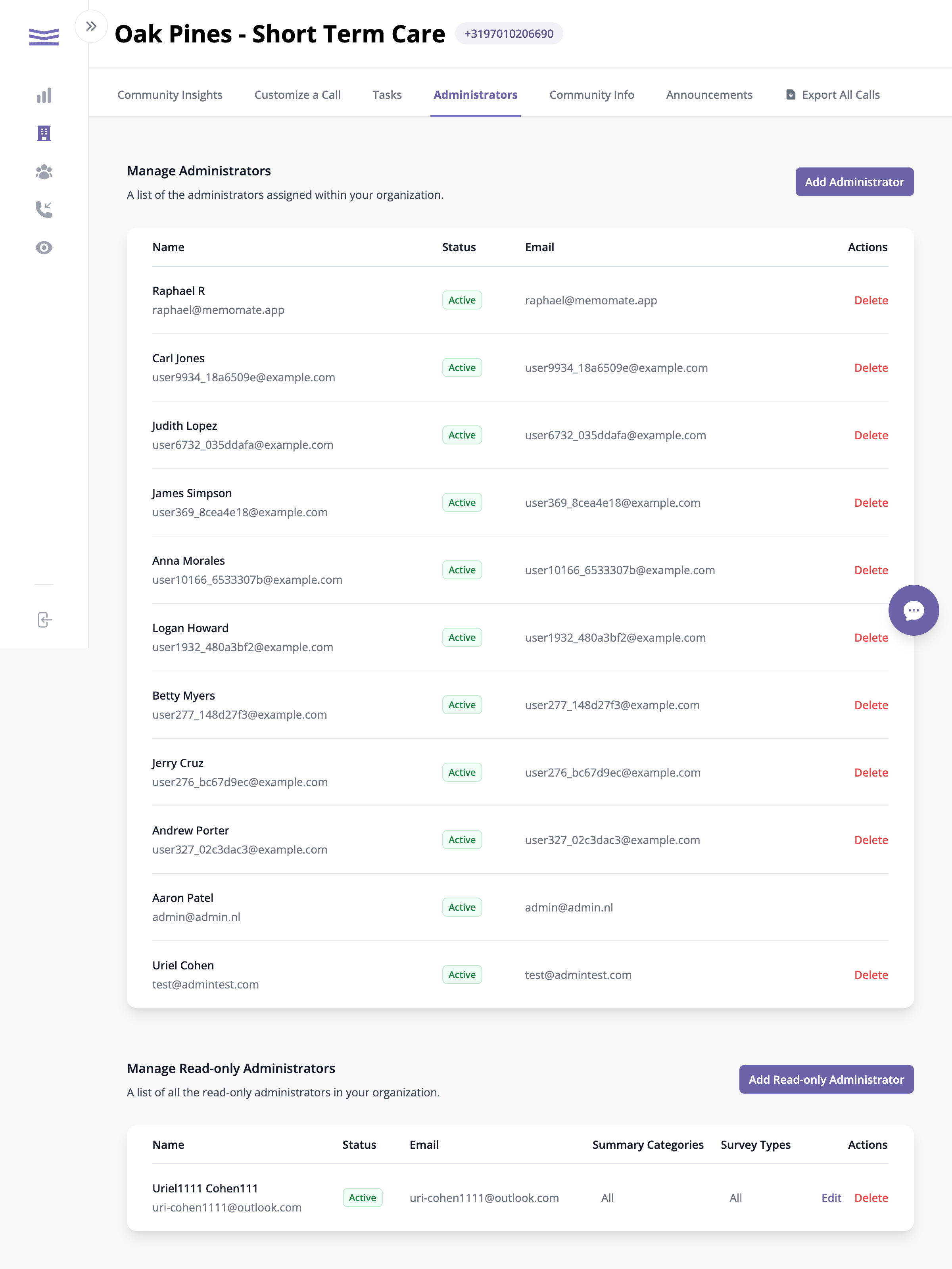
The Administrators page showing both regular and read-only administrators
You will see two sections:
Scroll down to the Manage Read-only Administrators section.